Keep your personal garden, everyday care and growth photos together. Know which plant is yours to care for, what you planned to do next, and how it has changed over time.
The current App Store listing and app screens are in Chinese; this is the English-language website.
01 /
A place for each plant.A personal garden with 20 plants · demonstration screenSelect the image to view it larger
A SMALLER, CLOSER WORLD
One plant, or a whole balcony.
Love Plants is for people who want plant care to feel like an everyday habit. Browse plant information in the app, add your own plants to a garden, and set reminders and records around your routine. The website does not offer a searchable plant catalogue.
FROM THE FIRST PLANT ON
Get to know it. Then care for it.
Three small steps for more mindful plant days.
01 / FIND & KEEP
Find a plant you like. Make room for it.
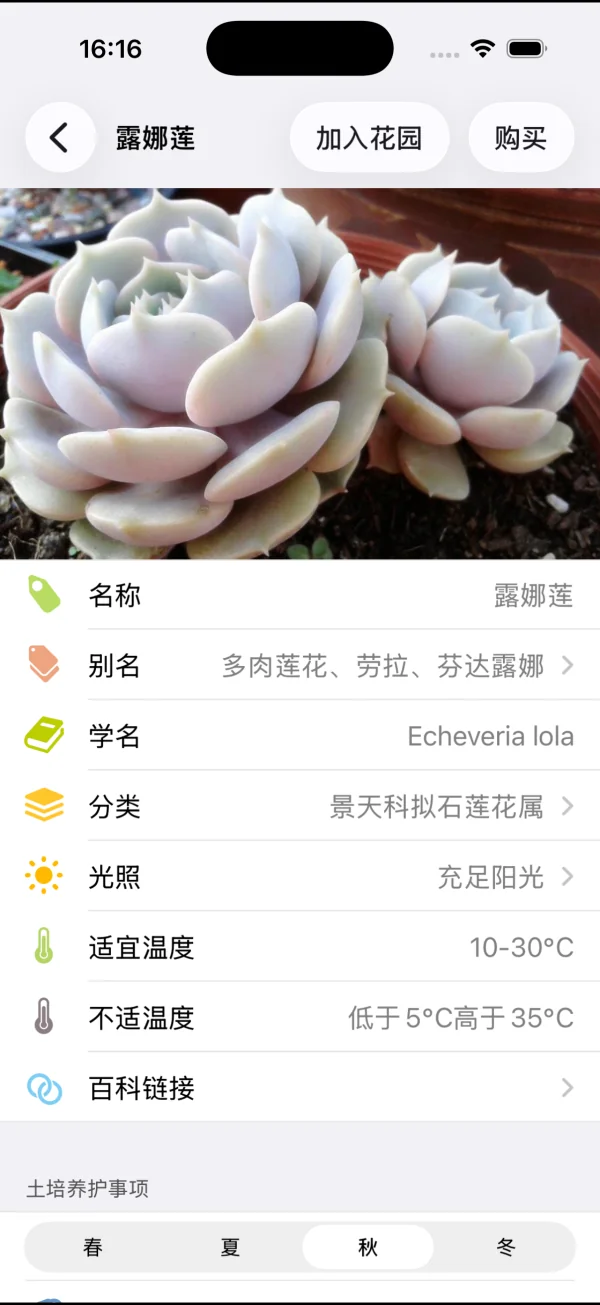
Browse or search in the app, open a plant profile to learn more, then add it to your garden. You do not need to manage a lot at once; start with the one already by your side.
Current app screens · Succulent guide and Echeveria 'Lola'Select an image to view it larger
02 / CARE & REMEMBER
Leave a reminder. Keep a care history.
Set watering or feeding reminders that fit your routine. When you have cared for a plant, add a record so you can look back instead of guessing when you last watered it.
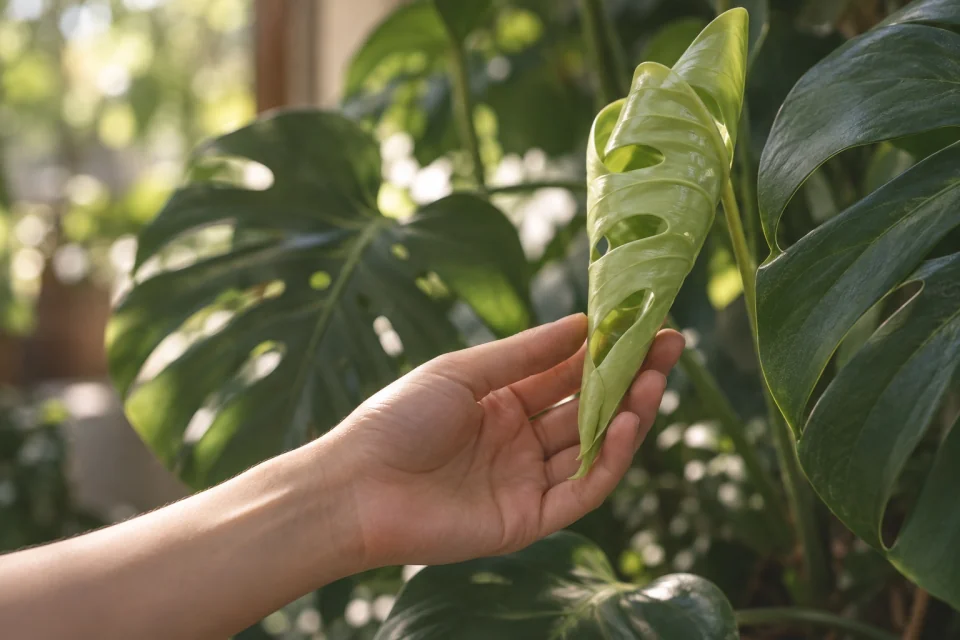
A pothos care plan · Care history for a different monstera (demonstration)Select an image to view it larger
03 / WATCH IT GROW
Take a photo today. Look back later.
Add growth photos to a plant in your garden. Keep a new leaf, a whole-plant view or simply how it looked that day. Small changes become easier to notice when you can see them over time.
Growth journal · Demonstration screenSelect the image to view it larger
Real screens from the current Chinese-language app. Personal garden and care examples use demonstration records. Growth-stage images are AI-generated illustrations, not a continuous set of real photographs.
A LITTLE INSPIRATION FROM OTHER GARDENS
Your garden is yours. There are others to visit.
Open the in-app plant community to see photos shared by other plant lovers. You can also visit gardens their owners have made viewable. A new succulent colour or a sunny windowsill can inspire your next moment of care.
Your own garden’s visibility is controlled in the app. Check “Allow others to visit my garden” if you would rather keep your records private.
Selected in-app community and viewable-garden screens · Not live updatesSelect an image to view it larger
MADE FOR REAL LIFE
You do not have to be an expert to learn as you go.
01 / AT HOME
When you have more than one
Keep your plants in a personal garden and check your care plans without relying on memory to tell one pot from another.
02 / IN A BUSY WEEK
When a routine slips your mind
Set watering or feeding reminders at your own pace, then look back at the plan instead of guessing the date.
03 / OVER TIME
When you want to remember a change
Take photos at different stages and revisit them alongside your care records.
GROW AT YOUR OWN PACE
There is no need to rush.
Love Plants cannot promise that every plant will thrive. It can help make learning, everyday care and keeping a record a little easier. Noticing one new leaf is already a good start.